Shared services
Define the files, accounts, applications and virtual machines the team actually depends on.
 THE TECHVAULT
Technology, thoughtfully connected.Hardware · Infrastructure · Software · Support
Servers and storage should make shared work dependable, and make recovery understandable. We plan the services, permissions, backup copies and restore steps as one system.
Check the needed point in time and confirm the recovered folder with its owner.
This informs how often critical data needs to be copied and which services require closer attention.
This informs priorities, recovery resources and the restore process. Targets are agreed in the actual project scope.
Choose a representative file, folder or service for the agreed restore exercise.
Use the documented source and destination without disturbing the working copy.
Check that the recovered information opens, makes sense and belongs to the intended point in time.
Define the files, accounts, applications and virtual machines the team actually depends on.
Choose backup locations and schedules around how much change the business can afford to recreate.
A successful backup notification is not the same as a tested restore. Agree on what will be restored and how it will be checked.
A concept for an accounting office moving from individual PC folders to shared storage.
Role-based folders, centralized accounts, protected storage and a documented backup and restore routine.
Staff can find the right files while sensitive client folders stay limited to the appropriate team.
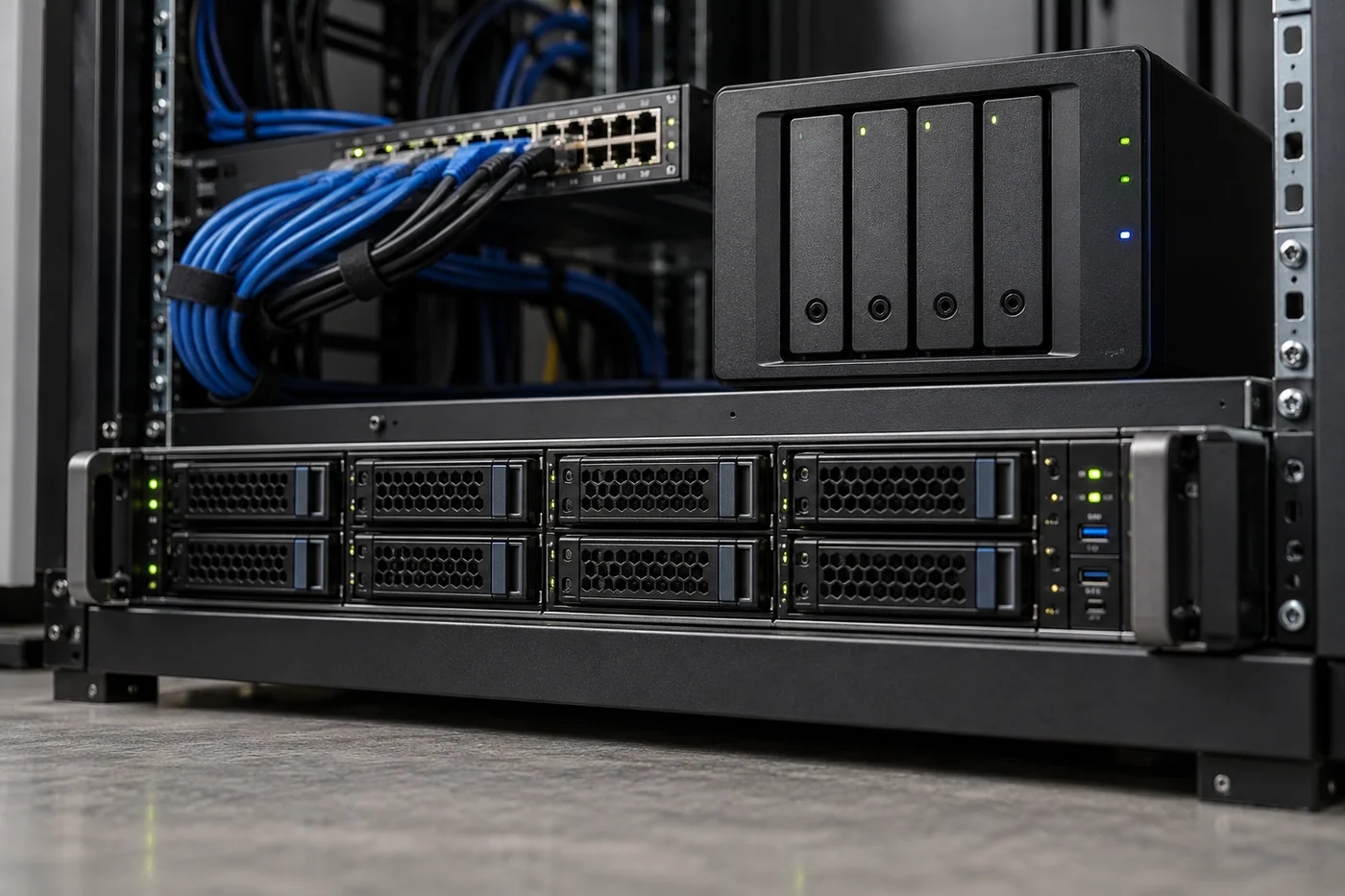
A proposed storage refresh for a design team with large project files.
RAID can help a storage system tolerate certain drive failures. It does not replace separate backup copies or a recovery process for deletion, corruption or a wider incident.
Not necessarily. Virtualization, a NAS or hosted services may fit parts of the environment. The choice follows application requirements, licensing and recovery needs.