Physical
Case size, board format, cooler height and graphics-card clearance.
 THE TECHVAULT
Technology, thoughtfully connected.Hardware · Infrastructure · Software · Support
A component list is only a starting point. Cooling, clearances, power, connections and the applications you use determine whether the finished build fits its purpose.
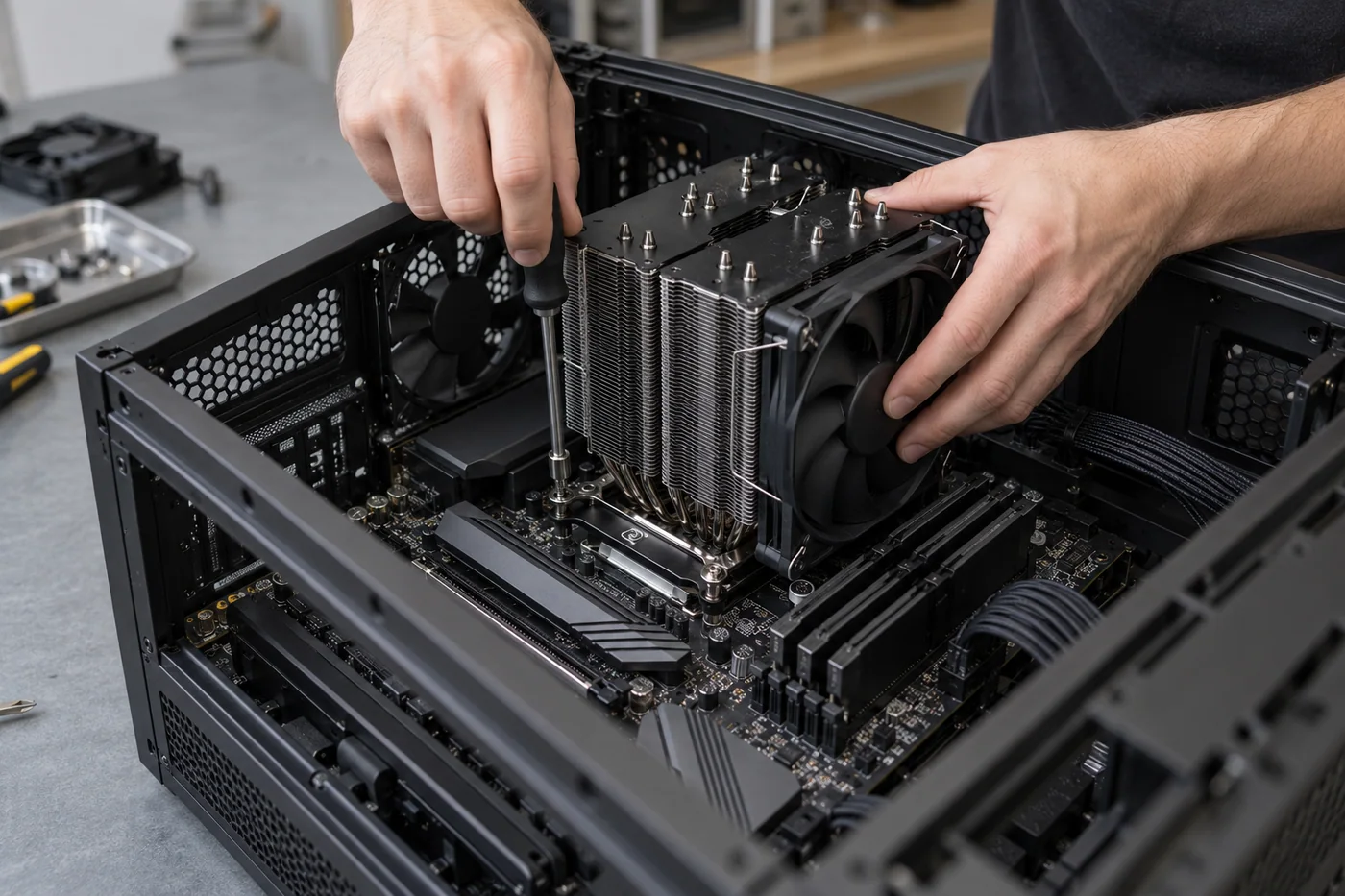
Start at the intended display and games, then balance the remaining parts.
Open the PC BuilderCase size, board format, cooler height and graphics-card clearance.
A suitable power supply, connectors and the system’s requirements.
Processor and motherboard support, memory type and firmware requirements.
Noise, storage access, front ports and room for maintenance.
Match the graphics target to the display and games, then balance processor, memory and storage around it.
Editing, compiling and multitasking can change processor, memory and storage priorities.
Check the platform, case, power supply and cooling before choosing a replacement component.
A concept desktop for gaming, study and occasional video editing.
Balanced processor and graphics choices, room for storage expansion, quiet cooling and a clean build.
A parts plan with compatibility checked and upgrade priorities explained before purchase.
A proposed improvement of an existing gaming PC that also handles study and editing.
Often, but compatibility and condition must be checked. A part that physically fits may still have power, firmware, connection or performance constraints.
Yes. Use the live TTV PC Builder to explore components and compatibility. The TTV team still confirms exact models, availability and the final quote.