Presence + motion
PIR or supported presence detection for room-use and lighting routines.
 THE TECHVAULT
Technology, thoughtfully connected.Hardware · Infrastructure · Software · Support
A good automation has a trigger, sensible conditions and a defined action. We also plan who notices a failed device, a low battery or an alert that needs attention.
This sketches a rule. No device is connected or controlled. Thresholds, reset behavior and overrides are part of the project design.
PIR or supported presence detection for room-use and lighting routines.
Door/window contacts and selected access events for defined conditions.
Temperature, humidity or air-quality visibility, where the device supports it.
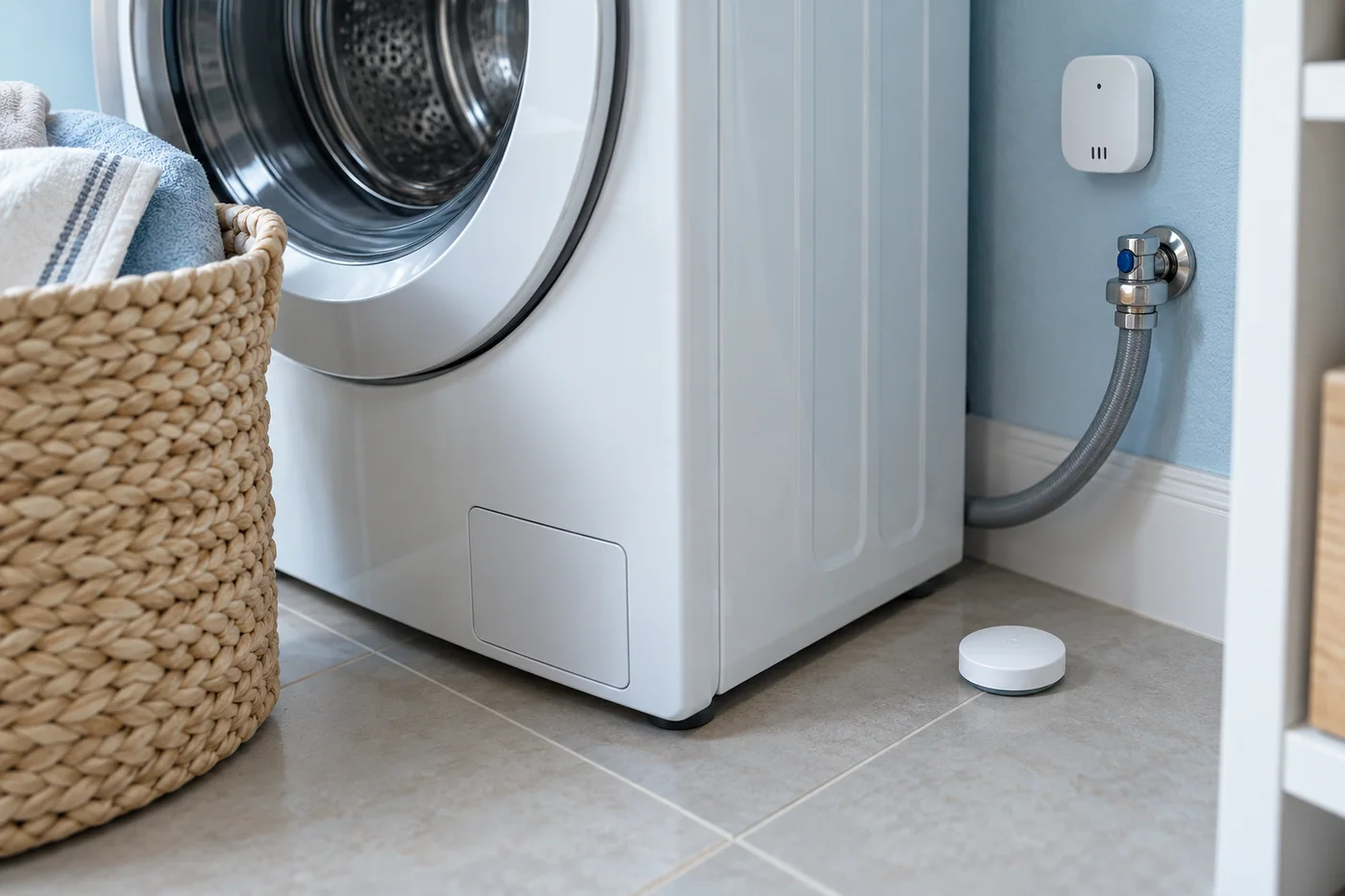
A compatible leak sensor or condition alert placed where it can provide a useful signal.
A concept monitoring setup for a small network and storage room.
Temperature, humidity, water-leak and door sensors, with alerts routed to designated staff.
The right person can investigate an unusual condition before it is missed during an unattended period.
Choose a measurable event: motion, a contact opening, water detected or a temperature condition.
Add time, occupancy or other limits so the action is useful rather than repetitive or surprising.
Decide whether to change a light, notify someone or raise a task, then define the reset and manual override.
What allows the rule to return to its normal state?
Should another event send another notification immediately?
How will someone know the device is unavailable?
Who can pause the routine or act manually?
A proposed alert for a utility area that is not checked every day.
A general automation alert should not be treated as a replacement for the appropriate dedicated safety equipment. We scope each sensor according to its supported purpose.
We review placement, thresholds, timing and reset conditions. The goal is a signal people can act on, rather than a stream of ignored notifications.