ONE PARTNER. EVERY TECHNOLOGY SOLUTION.
THE TECHVAULT

Technology, thoughtfully connected.Hardware · Infrastructure · Software · Support

TTV Solutions / IT Support & Projects

From the first symptom to a clear handover.

A useful support visit starts with context. What changed, who is affected and what work is blocked? We turn that into a prioritized action, then document what was done.

START WITH THE SYMPTOMWhat is getting in the way?
USEFUL FIRST DETAILS

One device, or everyone?

  • Which rooms or devices are affected?
  • Does the wired connection also fail?
  • When did it last work normally?

Share the symptom and a screenshot. Keep passwords out of the enquiry.

A preparation guide for the first conversation, not an automated diagnosis.

CHOOSE THE TYPE OF HELP

A fault, a planned change or ongoing care.

Fix a problem

A specific symptom, clear context and an agreed diagnostic scope.

Deliver a project

A device inventory, planned work, acceptance checks and a handover.

Maintain the environment

Defined coverage, preventive tasks and a support arrangement that fits the business.

PLANNING THE RIGHT SCOPE

Choose support around the situation.

A specific fault

Start with diagnosis and an agreed target. Hardware replacement is a decision after the cause is understood.

A planned change

Office moves, upgrades and deployments need an inventory, a change window and checks before users return.

Ongoing care

Define covered devices, response arrangements, preventive work and escalation instead of relying on vague unlimited support.
What can be included
  • 01Remote and on-site diagnostics
  • 02PC upgrades and system maintenance
  • 03Office moves and equipment deployment
  • 04Migrations and planned change windows
  • 05Documentation, preventive checks and support scope
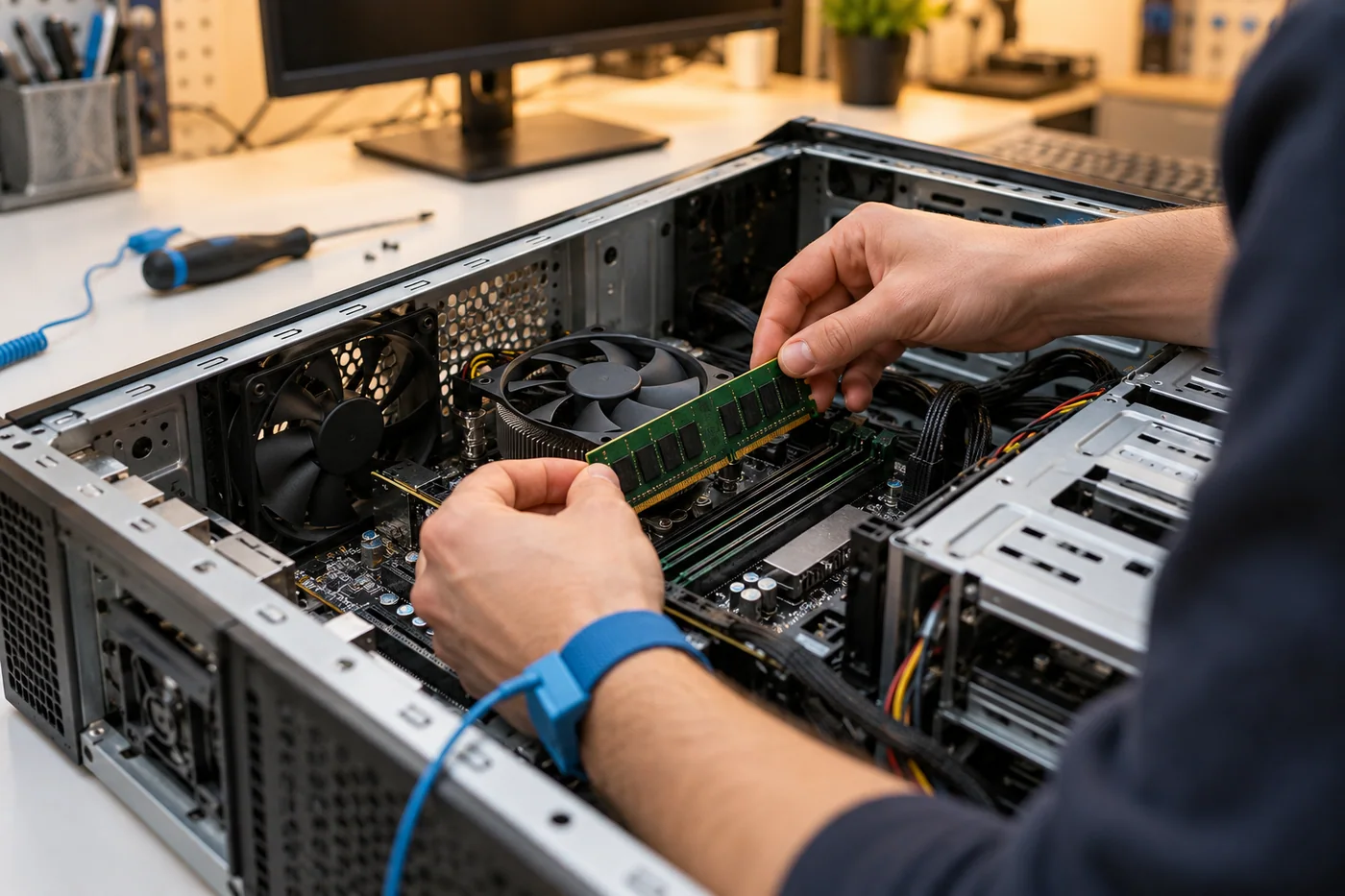
Technician fitting memory into an open workstation on a repair bench. Project concept.
Workstation maintenance / hands-on support concept

The useful outcome is the working system and the information needed to keep supporting it.

PROJECT STUDY / ILLUSTRATIVE SCOPE

An office move with a clear handover

A concept relocation of twelve workstations, a printer and a small network cabinet.

The proposed work

Device inventory, a staged move, network configuration, workstation checks and user sign-off.

The intended result

An organized transition with responsibilities, test steps and support contacts documented before handover.

ANOTHER WAY TO USE THIS SERVICE

A workstation rollout with fewer surprises

A proposed replacement of a small team’s aging desktop computers.

  • An application and data checklist before replacement
  • A pilot workstation reviewed by a user
  • A staged rollout with sign-off and handover notes
BEFORE YOU DECIDE

Good questions.
Useful answers.

Can everything be fixed remotely?+

Remote work suits many account, software and configuration issues. Physical faults, cabling and some installation work need a site visit. We decide after the initial assessment.

What should we receive after a project?+

The handover can include the device list, configuration notes, test results, account ownership and support contacts, according to the agreed scope.

MAKE IT YOUR PROJECT

Let’s plan it support & projects.

Start with your brief