Resolution
More pixels can show more detail and workspace, while asking more of the graphics hardware at comparable settings.
 THE TECHVAULT
Technology, thoughtfully connected.Hardware · Infrastructure · Software · Support
Resolution, refresh rate, viewing distance and the games you play have to make sense together. The useful choice is a balanced screen and platform combination.
These are resolution tradeoffs, not measured frame-rate results. Performance depends on the game, hardware and settings.
More pixels can show more detail and workspace, while asking more of the graphics hardware at comparable settings.
A high-refresh display is most useful when the platform, game and connection can supply suitable output.
Screen distance, desk depth and monitor placement affect comfort as much as the specification sheet.
The priorities can overlap. The display brief should reflect how you use it most.
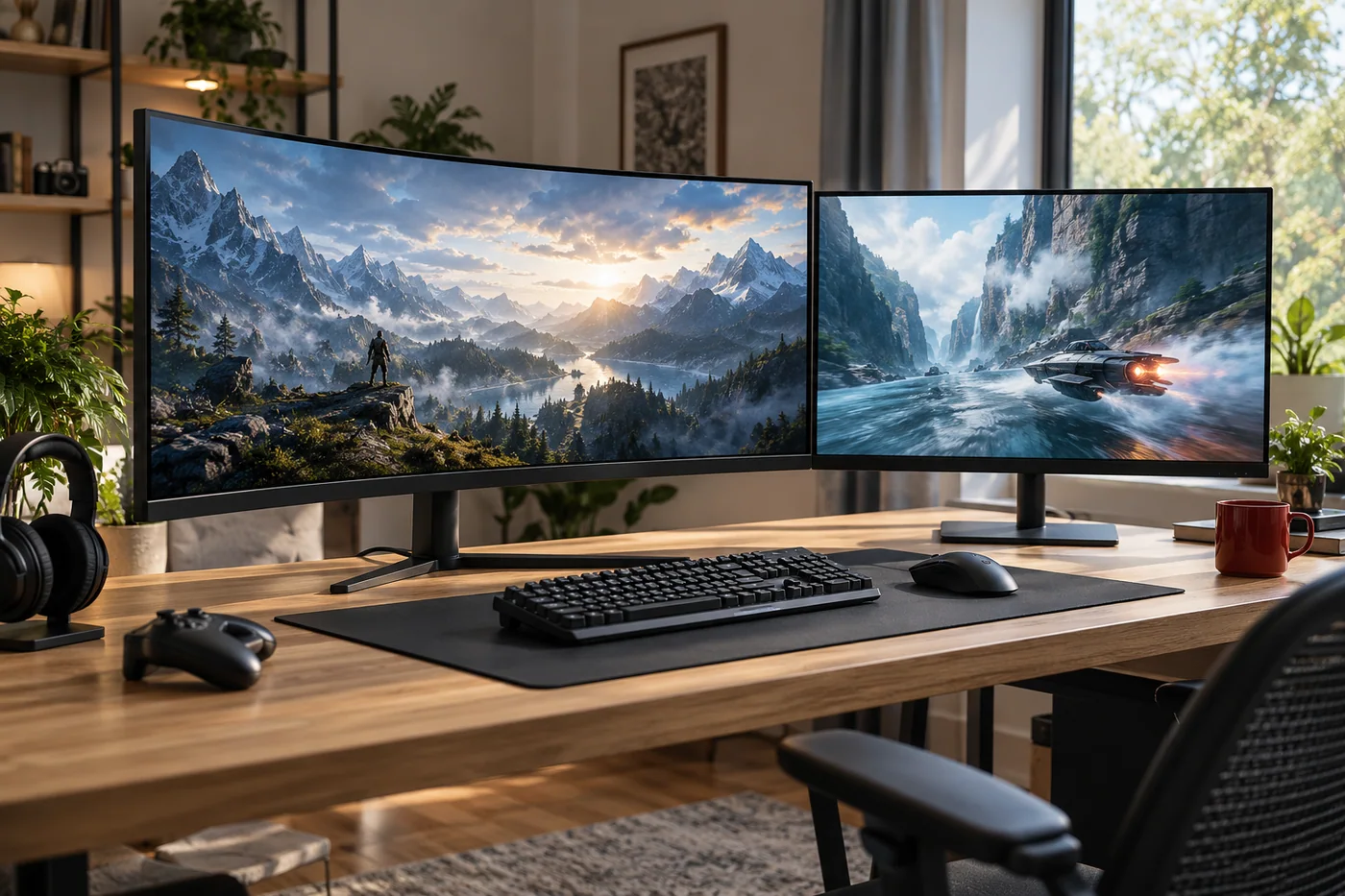
A concept PC desk built around fast-paced multiplayer games.
A high-refresh display, a suitable graphics target, a monitor arm and comfortable viewing distance.
A balanced screen and hardware plan that prioritizes motion clarity without ignoring everyday use.
A proposed display choice balancing viewing distance, console support and everyday media.
A display does not add graphics processing power. It can reveal a higher frame rate the system already produces, subject to output and settings.
Yes. We compare text clarity, size, connectivity, refresh rate and desk ergonomics around both tasks rather than optimizing only one number.